 MY BOWLING JOURNEY
Pro belongs to your My Bowling Journey account, not to the phone or the store you paid through. When it's missing, it's almost always one of these.
What the app says
- Tap the gear (Settings), then Account.
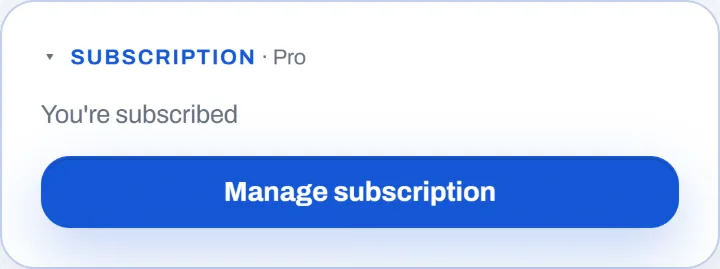
- The Subscription card says Pro or Free, with a line under it:
- "You're subscribed": Pro is on for this account.
- "Pro trial: 12 days left. No card on file; nothing is charged when it ends.": your first 30 days.
- "Ending: you keep Pro until the period you paid for runs out": you've canceled, and Pro stays until then.
- "There's a problem with your payment method": the store couldn't take the payment. Pro stays on for a while as the store tries again. Fix the payment where you subscribed: Google Play, the App Store, or the link in your receipt.
- You're on the free plan: the app doesn't see a subscription on this account.
Your first 30 days end on their own, and nothing is charged. See The Pro trial and your active league.
The same account?
The Account card says "Signed in as" and your email. Pro is on the account you subscribed with. If that's another one, tap Sign out and sign in the way you did when you subscribed. See Can't sign in.
Just subscribed?
- Pro unlocks as soon as the store confirms the payment.
- On Android, if that didn't get through, the app checks again the next time it starts. Close the app fully and open it again.
- Coming back to the app from another one checks your plan again too.
On an iPhone: Restore purchases
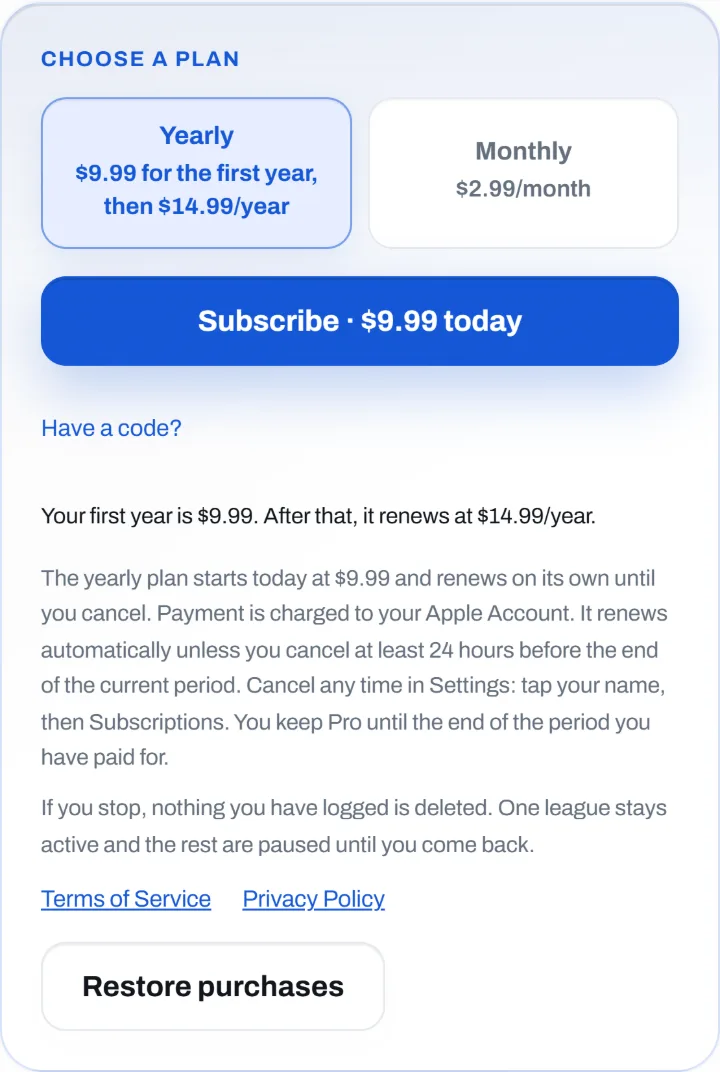
- In Settings > Account, tap See Pro.
- Tap Restore purchases, under the plans.
- "No subscription was found for this Apple account.": the App Store has no subscription for the Apple account on this iPhone.
- "That purchase is already linked to another account.": it belongs to another My Bowling Journey account. Sign in with that one.
Android and the website have no Restore button. Pro comes with your account when you sign in.
Still not there?
Write to [email protected] with the email you're signed in with and your receipt. See Getting help.