 MY BOWLING JOURNEY
Stuck on something? Start in the app. If that doesn't answer it, write to us. It reaches a person.
Search Help in the app
- Tap the gear (Settings) at the top right.
- Type in the Search settings and help box, like "prebowl" or "buy-in".
- Tap Search help under the results.
Help opens on the articles that match. Clear its search box and it lists every article by area, under How-to videos, with these at the top:
- Show me around the app again: the walkthrough of the app.
- Open the user manual: this manual, in your browser.
- View Justin Tenpin's data: the example account, a full season to look around in. See The example account.
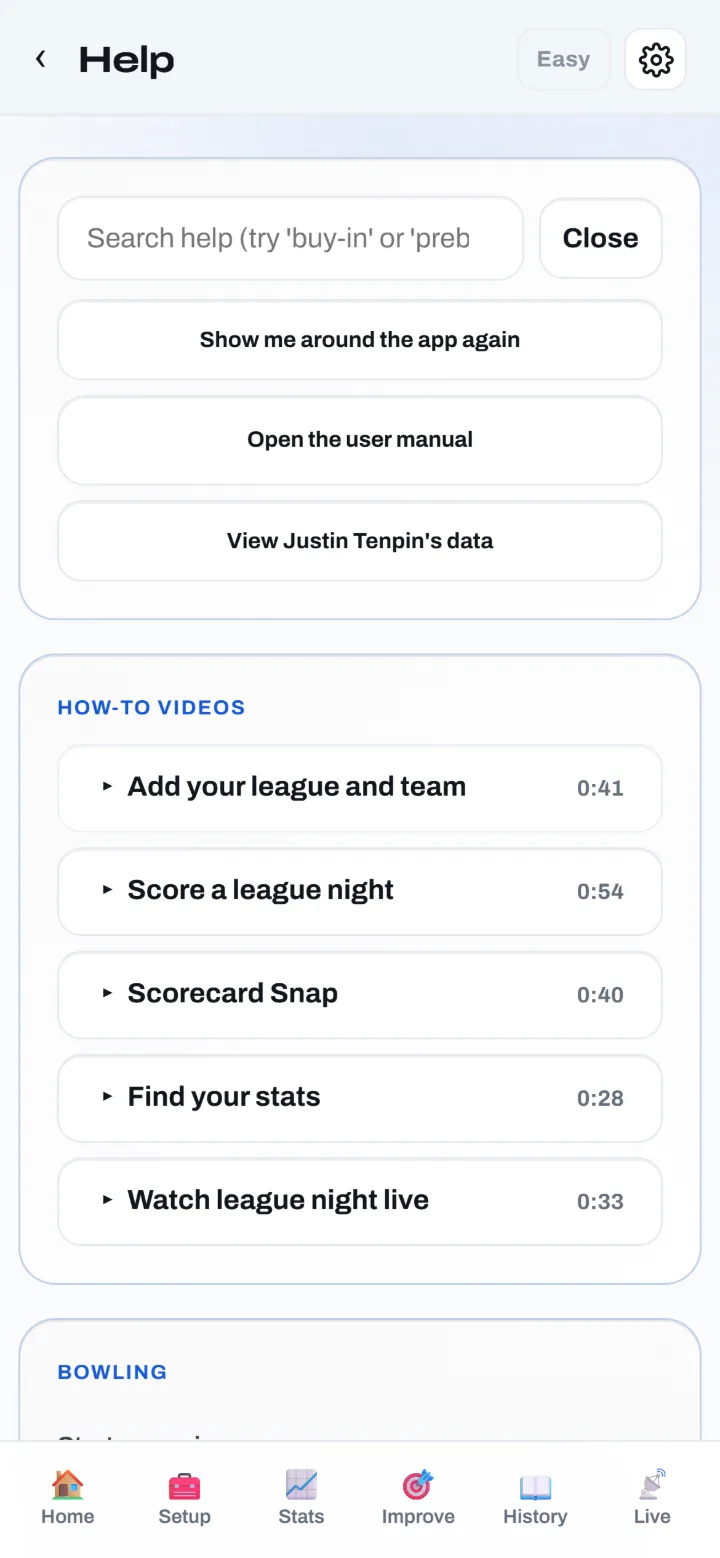
After an open bowling night, Help keeps to open bowling's articles until you start another kind of night.
This manual
This manual is on our website, at mybowlingjourney.com/help, one topic to a page, in every language the app is. The app's links to it open it in the app's language:
- Open the user manual on Help.
- User manual in Settings > Help and About > Walkthroughs: tap Open manual.
- More about this card in a Stats card's ? note opens that card's page.
Walkthroughs and videos
Settings > Help and About > Walkthroughs lists each walkthrough with Watch, and the How-to videos. See Walkthroughs, how-to videos and Help.
Write to us
The support page answers the questions bowlers ask most, and has our email. In the app, Settings > Help and About > About & Legal says "Questions, or want your data deleted?" with the address: [email protected]. Tap it to start an email.
Reporting a problem? Say what you tapped and what you expected to happen, and add:
- a screenshot,
- your phone and the app's version, from About & Legal (see Updating the app),
- the email you're signed in with, from Settings > Account.