 MY BOWLING JOURNEY
Pick a number you're working on, give it a target, and the Goals tab keeps score of how close you are. It's free.
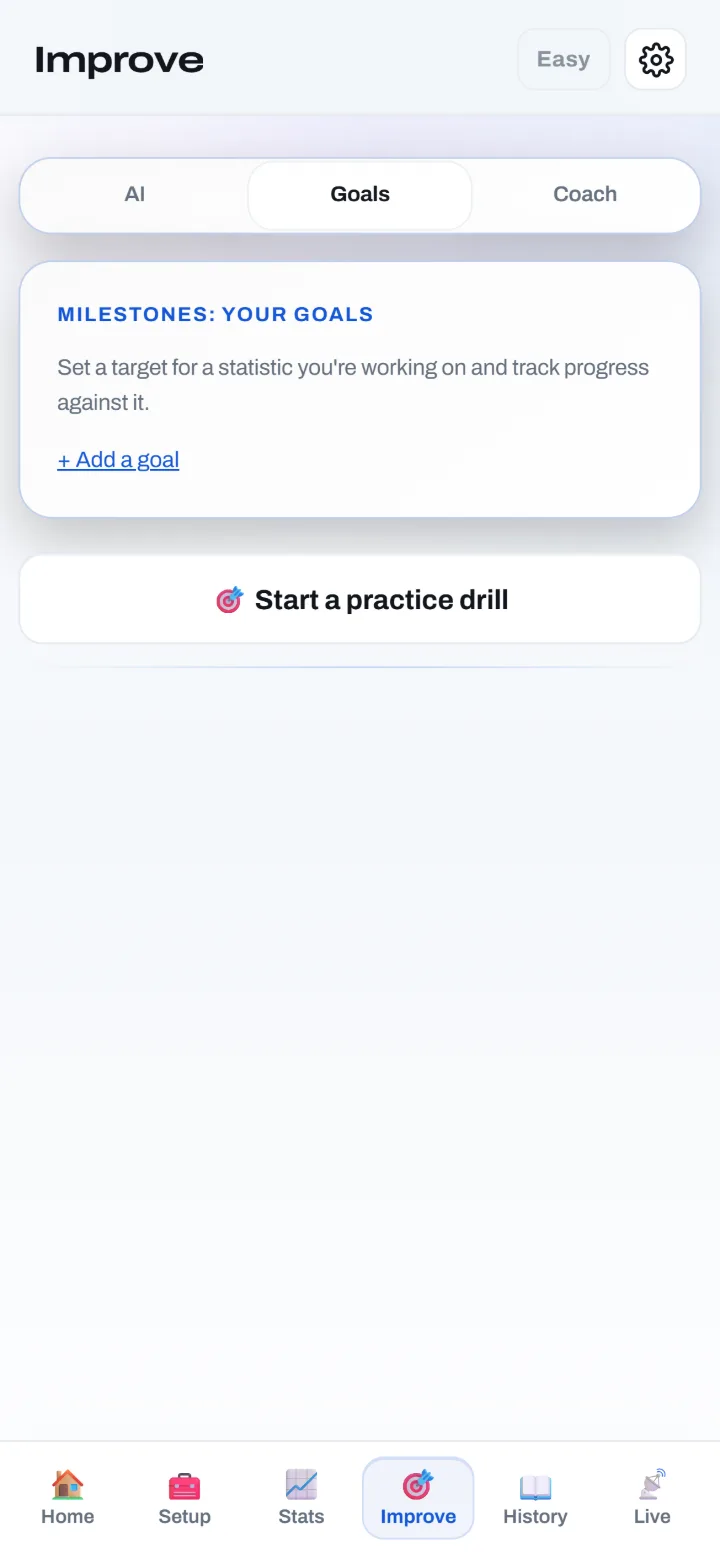
Add a goal
- Tap Improve, then Goals.
- On Milestones: your goals, tap + Add a goal.
- Under Statistic, pick one from the list. A line under it says what it counts, and for a percentage, how much it needs before progress shows.
- Type your Target. The label shows the range it takes.
- Tap Save, or Cancel to back out.
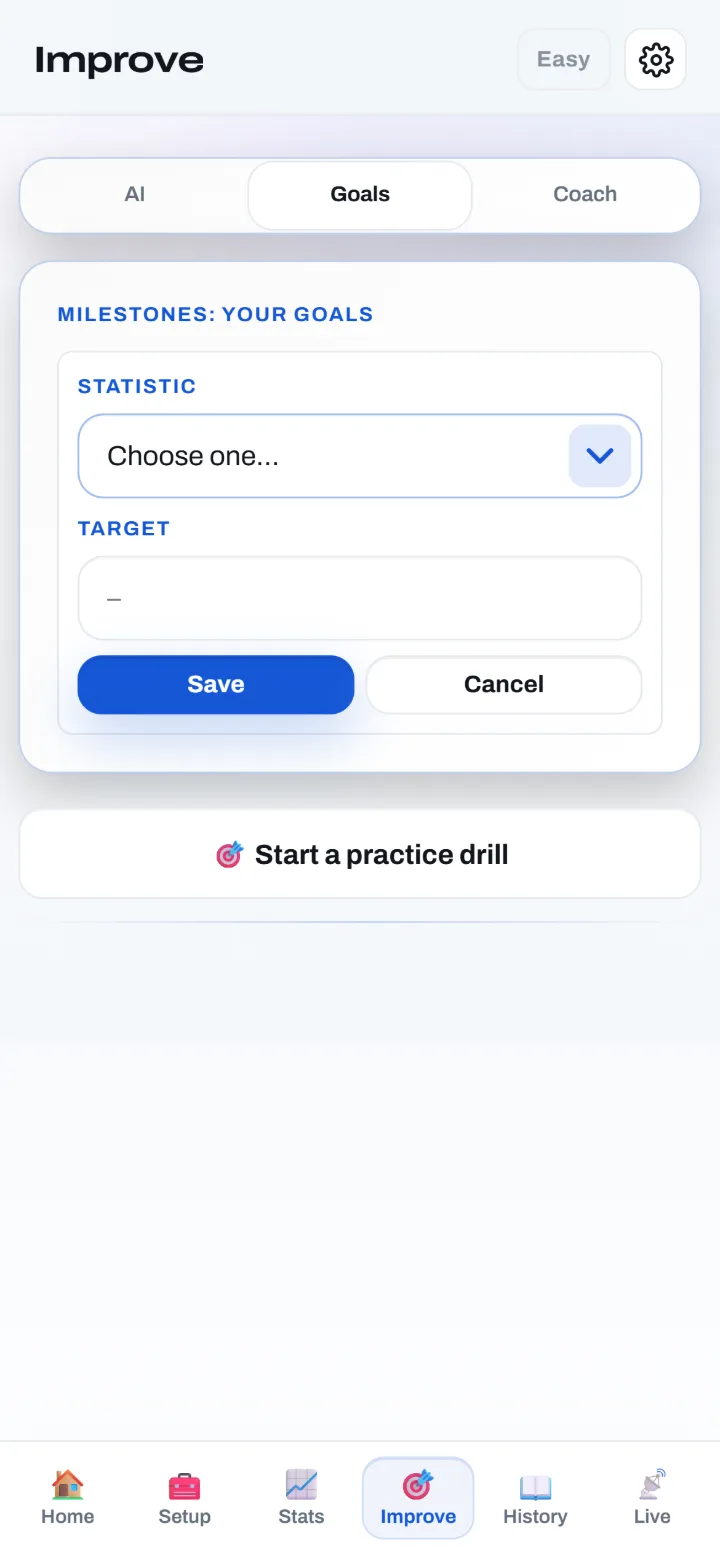
You get one goal per statistic. To change a target, tap Remove under the goal and add it again. Once every statistic has a goal, the card says "You've set a goal for every statistic available."
The goals you can set
| Statistic | Targets | What it counts |
|---|---|---|
| Average | 50 to 300 | Your average across your leagues. |
| High Game | 50 to 300 | Your best game. |
| High Series | 100 to 900 | Your best three-game series. |
| Strike % | 1 to 100 | First balls that strike. |
| Spare % | 1 to 100 | Spares made. Splits are left out. |
| Single Pin Spare % | 1 to 100 | Spares where exactly one pin was left. |
| 10 Pin Spare % | 1 to 100 | The 10 pin left alone, weak or ringing. A left-hander's is 7 Pin Spare %. |
| Clean Frame % | 1 to 100 | Frames closed with a strike or a spare. |
What goes into each:
- Average counts your league nights only. Practice, open bowling and tournaments are left out, and so are 9-pin no-tap leagues and nights you bowled as a sub, unless they're all you bowl.
- High Game and High Series count league and tournament games. Practice, open bowling, Baker and 9-pin no-tap games are left out. A series is three games bowled in one night.
- The percentages count every frame you've entered ball by ball, practice included. A night of game totals has no frames, so it adds nothing to them.
Following your progress
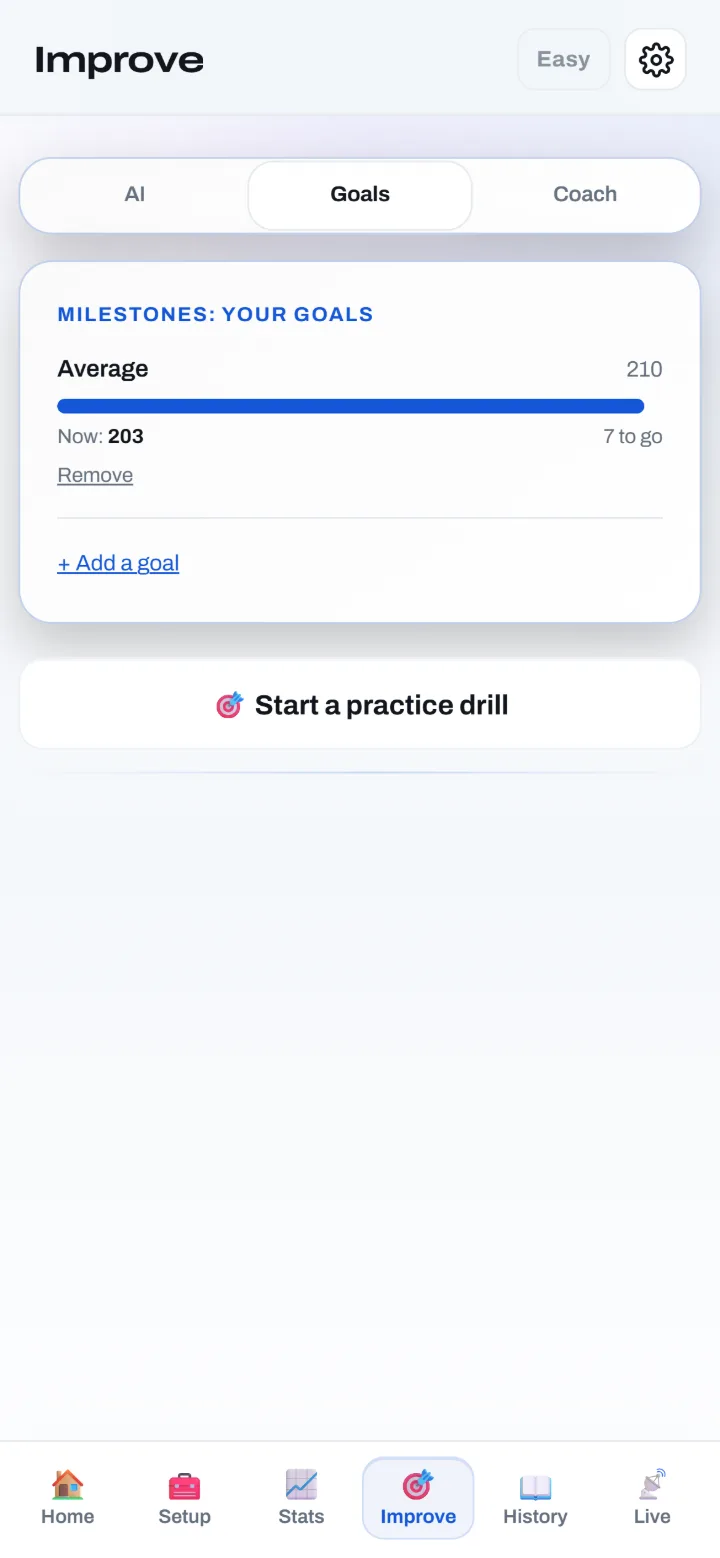
- Each goal shows its target, a bar, where you are now ("Now: 203") and how far you have to go ("7 to go").
- Reach it and the bar fills, with Target met under it and ✓ reached beside the name.
- The bar runs from zero, not from where you started. Averaging 180 with a target of 200 fills it nine tenths of the way.
- A percentage waits until it has enough behind it, so a hot first night doesn't fool you: Strike % needs 150 first balls, Clean Frame % 150 frames, Spare % 30 spare tries, and Single Pin and 10 Pin 25 tries each. Until then it shows how many more it needs, like "Not enough data yet: 12 more spare attempts before this is worth reporting."
- Nothing to measure yet? It says Nothing logged for this yet.
Goals are kept with your account, so they're the same on every phone.
Working with a coach? Your coach can set you a goal from their side, and it shows here with yours. See Working with a coach.
Goals and practice
Once you've logged 5 nights, a 10 Pin Spare % or Strike % goal puts its own drill at the top of Practice's suggested plan. See The Practice Plan.
Under the goals card, 🎯 Start a practice drill switches you to practice and opens a drill. See Practice drills.