 MY BOWLING JOURNEY
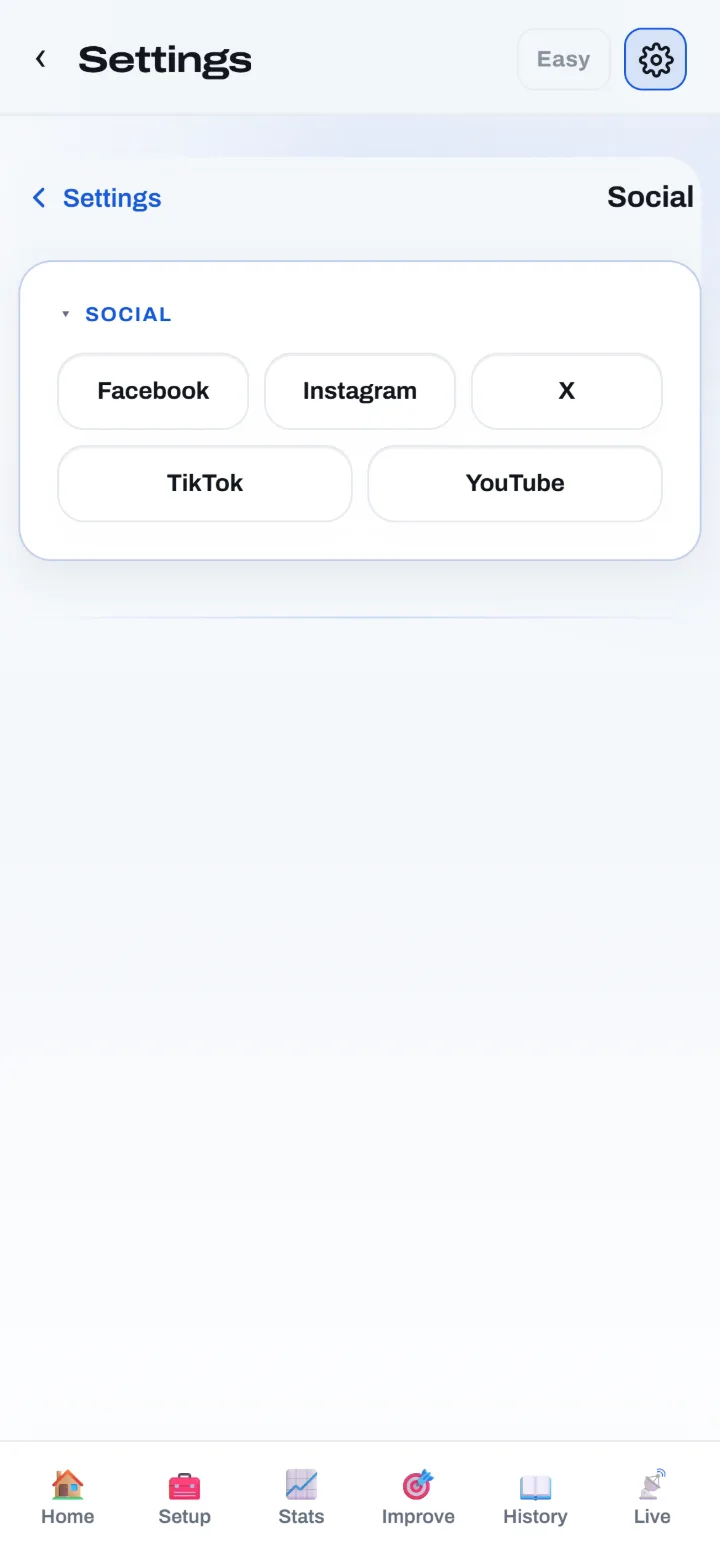
Two places in Settings are about My Bowling Journey itself: Social, for its pages on Facebook, Instagram, X, TikTok and YouTube, and About & Legal, for the legal pages and the version of the app you have.
Social
- Tap the gear (Settings) at the top right.
- Tap the Social tile.
- Tap Facebook, Instagram, X, TikTok or YouTube. My Bowling Journey's page opens in your browser.
X goes to the Japanese account when the app is in Japanese or you're in Japan, and to the English one for everyone else.
About & Legal
- Tap the gear (Settings) at the top right.
- Tap the Help and About tile.
- About & Legal is under Walkthroughs and Example account.
On it:
- Privacy Policy and Terms of Service. Each opens the page on the website in your browser, in the app's language, so it's always the latest version.
- "Questions, or want your data deleted?" with the support email address, [email protected]. Tap it to write an email.
- "My Bowling Journey is published by My Bowling Journey LLC."
- The app's version and build number, like "Version 2.1.8 (232)", with a short code after it. On the web it says Web version. It's handy to have when you write in about a problem.
What other bowlers can see of your bowling is on Your privacy.
Special thanks
Under About & Legal, while the app is in English, Special thanks is a note from the app's maker to a friend who helped shape it.